
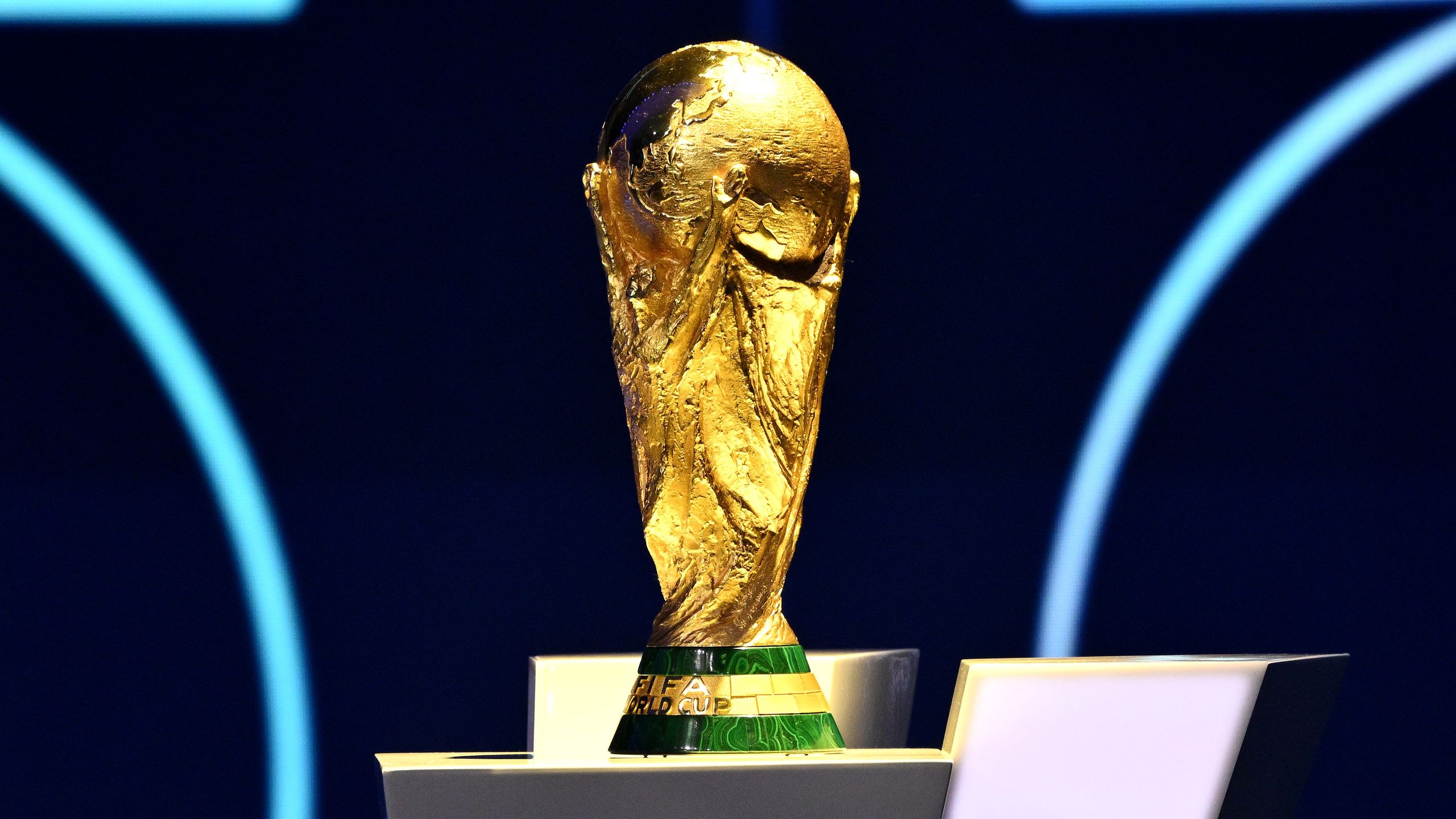
The FIFA World Cup starts tomorrow, and I'm tracking down the best World Cup eSIM deals for football fans lucky enough to be traveling to the US, Canada, and Mexico for the big games.
With this year's tournament is being held across three different countries, eSIMs are a really convenient way to avoid unpredictable roaming and data charges or swapping out SIM cards. And I'm seeing plenty of eSIM deals, discounts, and codes to save money on data and call-time plans from providers of the best eSIMs for international travel we've tested.
I'll be here until the final whistle blows in New York on July 19, with regular updates on all the World Cup eSIM deals you won't want to miss. And if you're not traveling to the US, Canada, or Mexico to support your team, you can check out the full fixtures list and where to stream the games with our World Cup 2026 Match Finder.
What's new? In my latest update, I've added GigSky, which is offering discounts on North America and US-only unlimited data plans. I've also added to the FAQs.
Best World Cup 2026 eSIM deals
Three countries, 16 cities, one eSIM is the promise from ByteSim, which is offering savings on plans for all three countries, as well as an all-in-one eSIM for fans traveling to multiple nations for World Cup 2026. Options include unlimited data plans and unlimited hotspot sharing. Save an extra 10% on plans when you use promo code TRWC2026.
Read our ByteSim review
One of our favorite providers, Saily, is offering 35% off eSIM plans for North America when you use code SCORE35. On top of that, there's 5% off eSIMs for Canada and Mexico. Oh, and a free gift, too.
Read our Saily review
Nomad is another top performer in our tests, and it's offering a tasty 20% off eSIMs for the World Cup when you use code GOAL20.
Read our Nomad review
Flexiroam has cut prices across all North America data plans, covering the US, Canada, and Mexico. No deal code required here - it's a straight discount. Data plans start at $10 for 5GB / 15 days, up to 100GB / 40 days. I've also spotted 30% off country-specific eSIMs if you're only traveling to one of the three host nations.
Read our Flexiroam review
No eSIM deals yet, but the prices start low over at Airalo with the North America plan covering all three host countries, with prices starting from £4.50. It serves up a range of data and data+call plans, including an unlimited package.
Read our Airalo review
GigSky has discounted almost all its unlimited data plans for its North America and US-only coverage. Deal prices start from $14.24 for 3 days' unlimited data.
Read our GigSky review
World Cup 2026 eSIM deals: FAQs
When does this year's World Cup start and end?
The FIFA World Cup 2026 kicks off on June 11, with Mexico, one of the host nations, playing against South Africa at the Estadio Azteca. The final, held in New York, takes place on July 19.
Do all eSIM plans support voice calls?
No. Some providers offer data, and data and call-time plans; however, some only support data plans.
In fact, a survey from eSIM.net (read it here) that recently landed in my inbox suggests that "68% believe all eSIMs support voice calling." And those that do, worry that not having access to calls while abroad might impact banking access, healthcare communications, and travel logistics.
So, definitely check which type you're signing up for before committing to any eSIM.
Can I purchase a World Cup eSIM deal now and activate it later when I travel?
Yes, almost all eSIM providers let you set an activation date, so you can set-up the eSIM at home, and it'll kick in once you land at your destination.
Typically, after purchase, your provider lets you know the activation window - it varies depending on which eSIM service you're using, though.
Are the World Cup eSIM deals available for all countries/regions?
Yes, all eSIM providers offer coverage across the United States, Canada, and Mexico, alongside global plans for frequent travelers.
How can I check if my phone supports eSIM technology?
We've explored how to check if your phone supports eSIM.
On iPhone, follow these steps:
- Go to Settings >General>About
- Look for “Digital SIM” or “eSIM”
- If you see “Digital SIM”, “eSIM”, or an EID number, your device supports eSIM
- Then check if your phone is unlocked
- Go to Settings>General>About>Carrier Lock
- If it says "no SIM restrictions", your iPhone is unlocked and ready for an eSIM
For Android devices, the method can vary depending on the phone and operating system, but the general steps are:
- Go to Settings> Connections (or Network & Internet)
- Look for SIM options
- Tap SIM Manager, Mobile Network, or SIM Cards depending on your phone
- Search for “eSIM”, “Add eSIM”, or “Download SIM”
- If you see “Add eSIM”, “Add mobile plan”, or “Download SIM”, your device supports eSIM
- Make sure your device is unlocked
- In Settings>About phone>Status, look for information on carrier lock
How do I set up and activate the eSIM on my device?
Once you’ve purchased an eSIM, you’ll receive an onboarding email with clear, step-by-step instructions on how to set it up.
If you buy your eSIM directly through the provider’s app, the activation process is even easier as you’ll be guided through everything on screen.
Typically, you’ll be asked to install the eSIM first. After installation, you can activate it in your phone’s settings. Make sure your device is connected to the internet and has enough battery before you begin. Most eSIMs can only be activated once, so it’s important to follow the steps carefully.
Activation usually takes just a few minutes. Once complete, you’ll see the new plan under your mobile services, and you can rename it if you prefer.
Steve is B2B Editor for Creative & Hardware at TechRadar Pro, helping business professionals equip their workspace with the right tools. He tests and reviews the software, hardware, and office furniture that modern workspaces depend on, cutting through the hype to zero in on the real-world performance you won't find on a spec sheet. He is a relentless champion of the Oxford comma.
- 1Secretlab just launched its first true home office chair — here are 12 more hybrid gaming and office chairs that really impressed me
- 27 in 10 World Cup football fans are ready to put their digital privacy at risk, warns ExpressVPN
- 3Netflix's Scooby-Doo: Origins just introduced its canine star — but the live-action series is already dividing fans
- 4French government internal messaging tool Tchap hit by data breach — but it doesn't know if any data was compromised
- 5‘The mechanical switches and hardware customizations are top-tier’: this HyperX gaming keyboard is one of the best I’ve tested — but certain gamers will be disappointed
Source: TechRadar